
Congratulations, you have successfully created a Solana SPL token. But, unless you add liquidity to a Solana token, you can only pass the tokens around among your friends.
Here is a step-by-step process on how to add liquidity to a Solana token.
For that, we will be using Raydium, a Solana DEX. Visit https://raydium.io/liquidity-pools/ and tap on Create button. Here, select Standard AMM and not Concentrated Liquidity which is the default option. Click on Continue button.
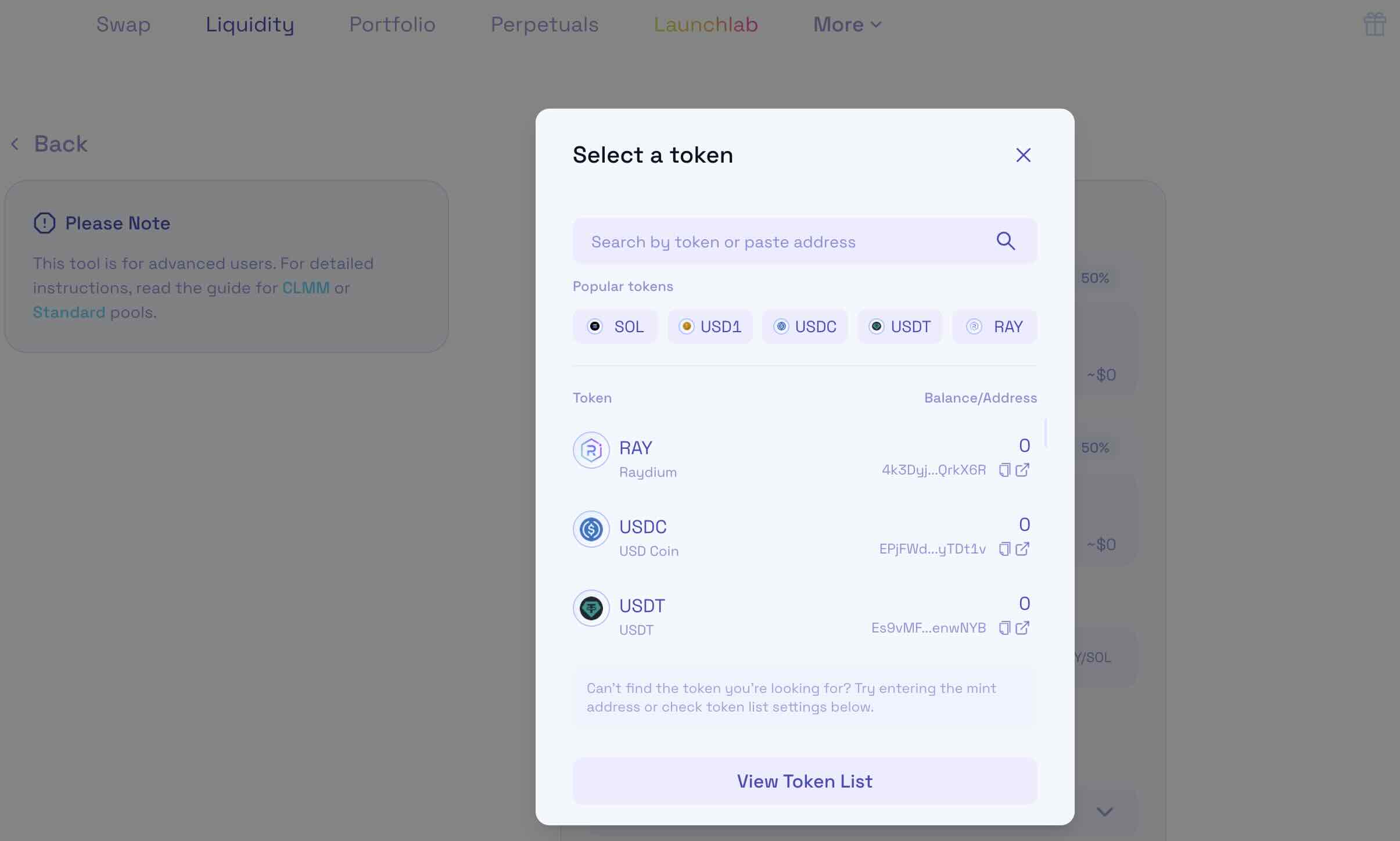
Select SOL as the base token and in the quote token, paste your token’s address.
If you are finding these steps difficult, we can add liquidity for a small fee. Contact us at this email address and we will help you right away.
erc20solcreator@gmail.com
Paste your token’s address and add few SOL. The amount of SOL you add will define the initial price of the token. Keep in mind that a pool creation fee of 0.2 SOL is required for new pools.
We suggest at least 5 SOL for small projects and 10 SOL for serious projects. It will also be great if you could lock the liquidity as that would lure far more serious investors to your project.